by Tom Chandler | Jul 30, 2026 | Spreadsheets
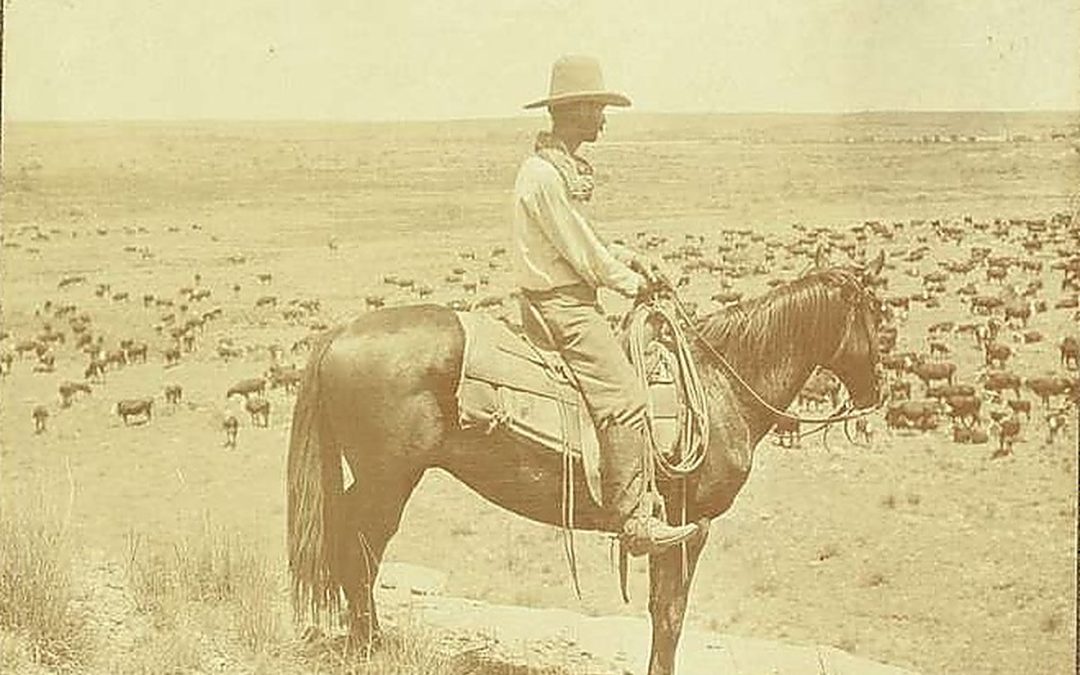
Every cattle drive had a day herder whose job was to sit on a rise, keep watch over the herd, and answer one question at a time. Is there a runt falling behind? Which steer strayed farthest from the group? One question, one answer. That's exactly how many Excel...

by Tom Chandler | Jul 30, 2026 | Spreadsheets, Keyboard shortcuts, Presentations, Tips, Word Processing
The pioneers who crossed the plains toward Utah, Oregon, or California didn't have the luxury of a shortcut. Every mile was earned — on foot, over months, often without knowing exactly how much further the trail would go. You, on the other hand, have a computer. And...
by Tom Chandler | Jul 6, 2026 | Word Processing, Spreadsheets
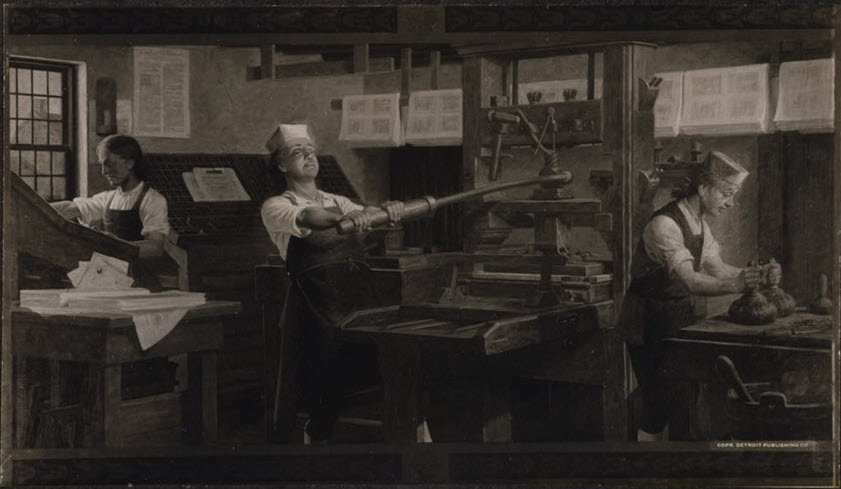
Benjamin Franklin was, among many other things, a printer and publisher. He knew better than anyone that a message lands harder when it speaks directly to its reader. Imagine if Franklin were publishing his Pennsylvania Gazette in 2026 — he would not write 2,000...

by Tom Chandler | Jul 4, 2026 | Spreadsheets, Tips
Today, Saturday, July 4, 2026, marks the 250th anniversary of the signing of the Declaration of Independence. Two and a half centuries ago, fifty-six men pledged their lives, their fortunes, and their sacred honor to a cause built on unity — the idea that thirteen...
by Tom Chandler | Jan 9, 2026 | Spreadsheets
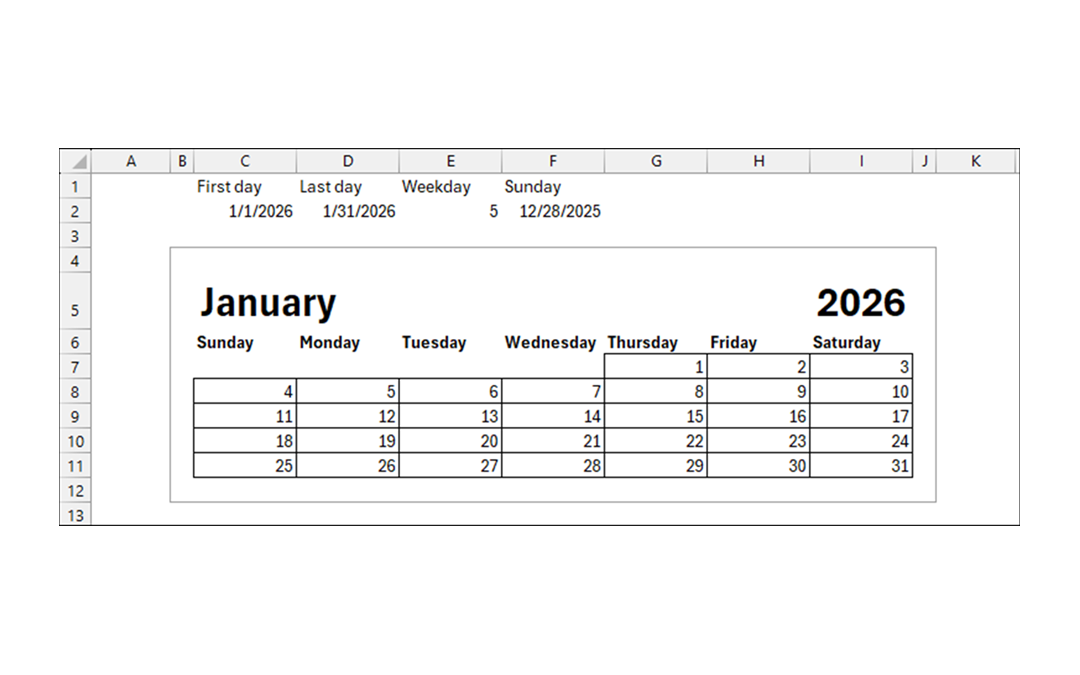
January 2026 Dear friends and clients, I hope you had a Merry Christmas and are enjoying a happy New Year! During the holiday break, my wife and I helped our son and his family (which includes his wife—expecting daughter #3—twin daughters, and two large German...

by Tom Chandler | Mar 1, 2025 | Spreadsheets
In the fast-paced world of business, managing data efficiently can make all the difference. When John (not the client’s real name) needed help with his Excel spreadsheet (see figure 1 below, not his real data) to reassign account managers and balance revenue...

