
by Tom Chandler | Oct 12, 2026 | Spreadsheets
Charts That Don't Ghost Your New Data=====================================================================RANK MATH SEO (copy into the Rank Math panel in WordPress) SEO title: Excel Charts That Update Automatically (and Show Hidden Data) Permalink slug:...

by Tom Chandler | Oct 12, 2026 | Spreadsheets
XLOOKUP: Excel's Matchmaker for Related Lists=====================================================================RANK MATH SEO (copy into the Rank Math panel in WordPress) SEO title: XLOOKUP in Excel: Match Related Lists and Find Missing Records Permalink slug:...
![Meet the Family: Find a Formula’s Relatives with Ctrl [ and Ctrl ]](https://thetechmentors.com/wp-content/uploads/2026/10/excel-trace-precedents-dependents-1080x675.jpg)
by Tom Chandler | Oct 12, 2026 | Keyboard shortcuts, Spreadsheets
Meet the Family: Find a Formula's Relatives with Ctrl [ and Ctrl ]=====================================================================RANK MATH SEO (copy into the Rank Math panel in WordPress) SEO title: Excel Ctrl [ and Ctrl ]: Trace Precedents and Dependents Fast...

by Tom Chandler | Jul 31, 2026 | Word Processing, Spreadsheets
In Part 1, we walked through printing name tags for a Pioneer Trek using a standard Avery label template — pick the product number, and Word handles the rest. But what happens when your name tags don't match anything in that list? That's exactly what I ran into....

by Tom Chandler | Jul 31, 2026 | Word Processing, Spreadsheets
Recently, I had the chance to help a group of high school students get ready for their Pioneer Trek — a multi-day experience where youth walk part of the same trail their pioneer ancestors once did, often pulling handcarts just as those pioneers did nearly 175...
by Tom Chandler | Jul 30, 2026 | Spreadsheets
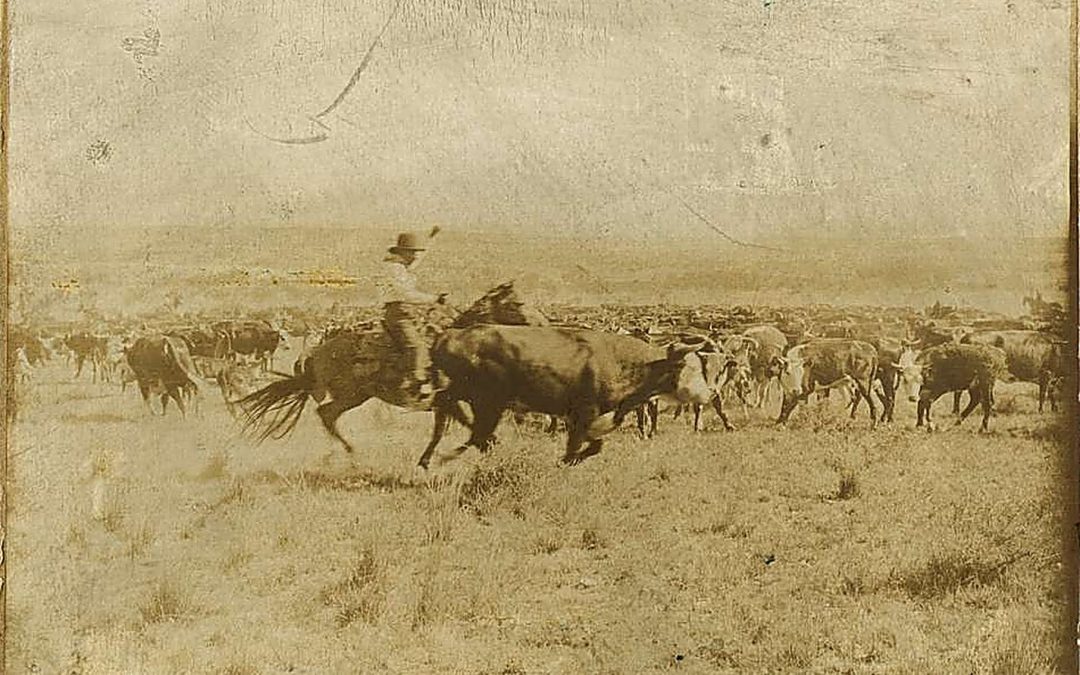
Cutting a herd is only half the job. (As we covered in our last post, "cutting" a herd means separating out the matching cattle — not cutting and pasting them.) Once the matching cattle are cut from the larger group, a good trail boss doesn't leave them scattered — he...

