
by Tom Chandler | Jan 18, 2025 | Macros, Spreadsheets
It is January, the start of a new year. As such you may find you need to add 12 new worksheets, one for each month of the year, to your existing workbook. But this year you decide you are sick of doing monotonous, repetitive, mindless work of open the workbook, adding...

by Tom Chandler | Jan 11, 2025 | OneNote, Step-by-step, Templates
Microsoft OneNote is a fantastic tool. It allows you to create notes that include headings, tables, drawings, screenshots, photos, videos, spreadsheets, and links to files and web pages. Just like a school binder, you can have multiple tabs for different subjects....

by Tom Chandler | Oct 4, 2024 | Macros, Spreadsheets
In Microsoft Word and Excel, if you want to create a macro, you will want to use the Developer tab. To learn how to add this useful tab to your ribbon, click the Get Started button below.

by Tom Chandler | Jul 3, 2024 | Holidays and Inspiration
Perhaps you feel as I do this Independence Day. I am celebrating the uniting of 13 colonies into one country and am also simultaneously feeling upset because the political climate suggests we are not united. But I take comfort from the hand of providence that was...
by Tom Chandler | Jun 30, 2022 | Databases
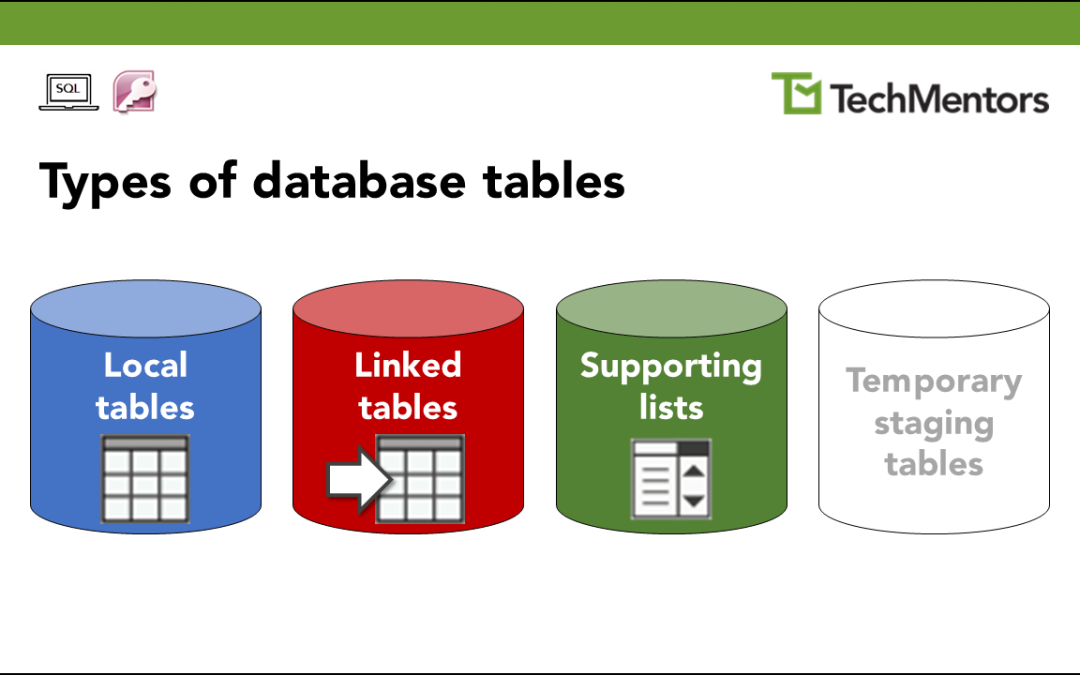
A Microsoft Access database can have different types of tables including… Local information tablesLocal information tables store, in your local database, information you wish to track. This may include information about employees, clients, products, facilities,...

