
by Tom Chandler | Jan 29, 2025 | Macros, Spreadsheets
In this week’s blog, you can read about, and download, a cool cheat sheet you can use when learning and programming macros with Excel VBA. When creating an Excel VBA macro, there’s a lot to keep in mind. This includes: The five steps to follow when...

by Tom Chandler | Jan 18, 2025 | Macros, Spreadsheets
It is January, the start of a new year. As such you may find you need to add 12 new worksheets, one for each month of the year, to your existing workbook. But this year you decide you are sick of doing monotonous, repetitive, mindless work of open the workbook, adding...

by Tom Chandler | Oct 4, 2024 | Macros, Spreadsheets
In Microsoft Word and Excel, if you want to create a macro, you will want to use the Developer tab. To learn how to add this useful tab to your ribbon, click the Get Started button below.

by Tom Chandler | Mar 30, 2021 | Macros
After recording a macro in Microsoft Excel or Microsoft Word, often there is a need to edit the macro. However, before being able to successfully edit a macro written in VBA (Visual Basic for Applications), one first needs to know how to read it. That is the subject...

by Tom Chandler | Mar 23, 2021 | Macros
Our mothers taught us that you should share. Why? Because she said it would make us good play mates, would help our friends, and it would help keep peace in the home. Now that we are all grown up, we find the same is true in our organizations and with our macros. You...
by Tom Chandler | Mar 16, 2021 | Macros
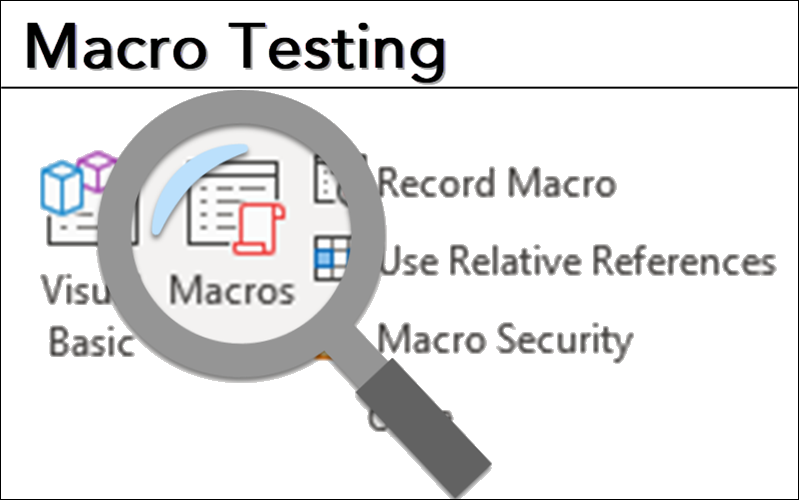
The final step, before sharing a macro with others, is testing. Why? Well, would you buy a car without giving it a test drive? Of course not. Similarly, you need to know that your macro is going to work before you put it into production. This blog post covers how to...

