by Tom Chandler | Jul 30, 2026 | Spreadsheets
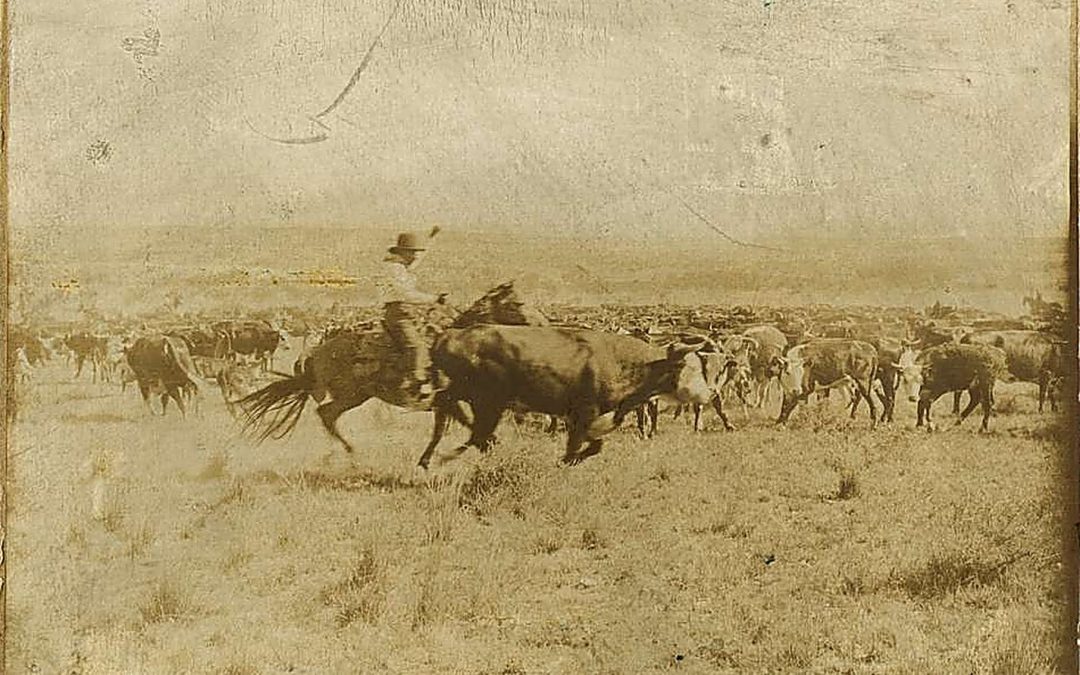
Cutting a herd is only half the job. (As we covered in our last post, "cutting" a herd means separating out the matching cattle — not cutting and pasting them.) Once the matching cattle are cut from the larger group, a good trail boss doesn't leave them scattered — he...
by Tom Chandler | Jul 30, 2026 | Spreadsheets
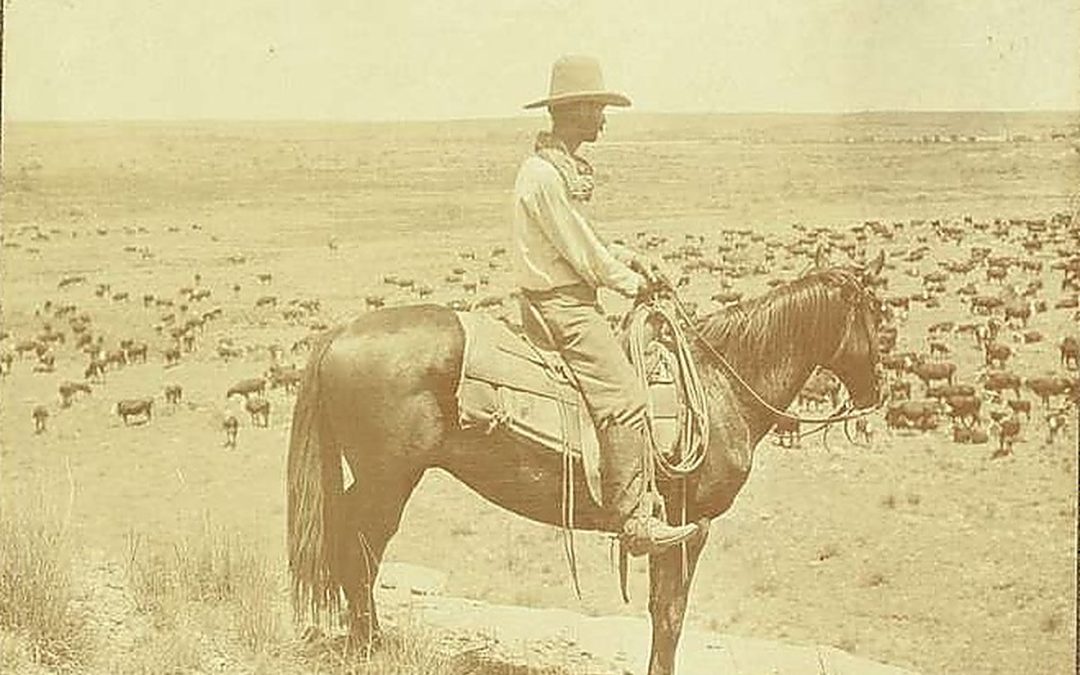
Every cattle drive had a day herder whose job was to sit on a rise, keep watch over the herd, and answer one question at a time. Is there a runt falling behind? Which steer strayed farthest from the group? One question, one answer. That's exactly how many Excel...

by Tom Chandler | Jul 30, 2026 | Spreadsheets, Keyboard shortcuts, Presentations, Tips, Word Processing
The pioneers who crossed the plains toward Utah, Oregon, or California didn't have the luxury of a shortcut. Every mile was earned — on foot, over months, often without knowing exactly how much further the trail would go. You, on the other hand, have a computer. And...
by Tom Chandler | Jul 6, 2026 | Word Processing, Spreadsheets
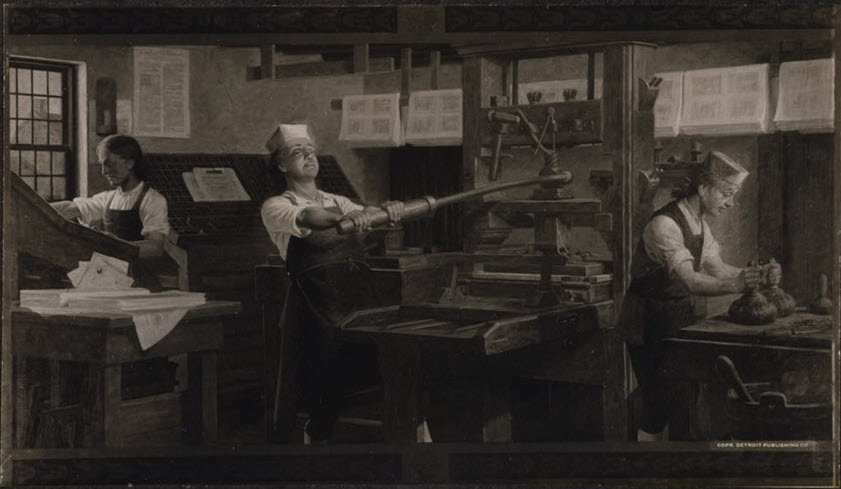
Benjamin Franklin was, among many other things, a printer and publisher. He knew better than anyone that a message lands harder when it speaks directly to its reader. Imagine if Franklin were publishing his Pennsylvania Gazette in 2026 — he would not write 2,000...
by Tom Chandler | Jul 4, 2026 | Databases
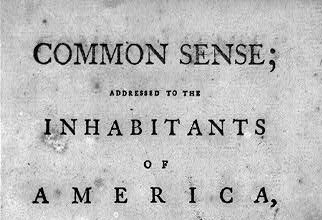
In January 1776, Thomas Paine published Common Sense — a pamphlet that spread through the colonies like wildfire and helped galvanize public opinion toward independence. Paine was a meticulous communicator. Now imagine he kept a subscriber list in a notebook with...

